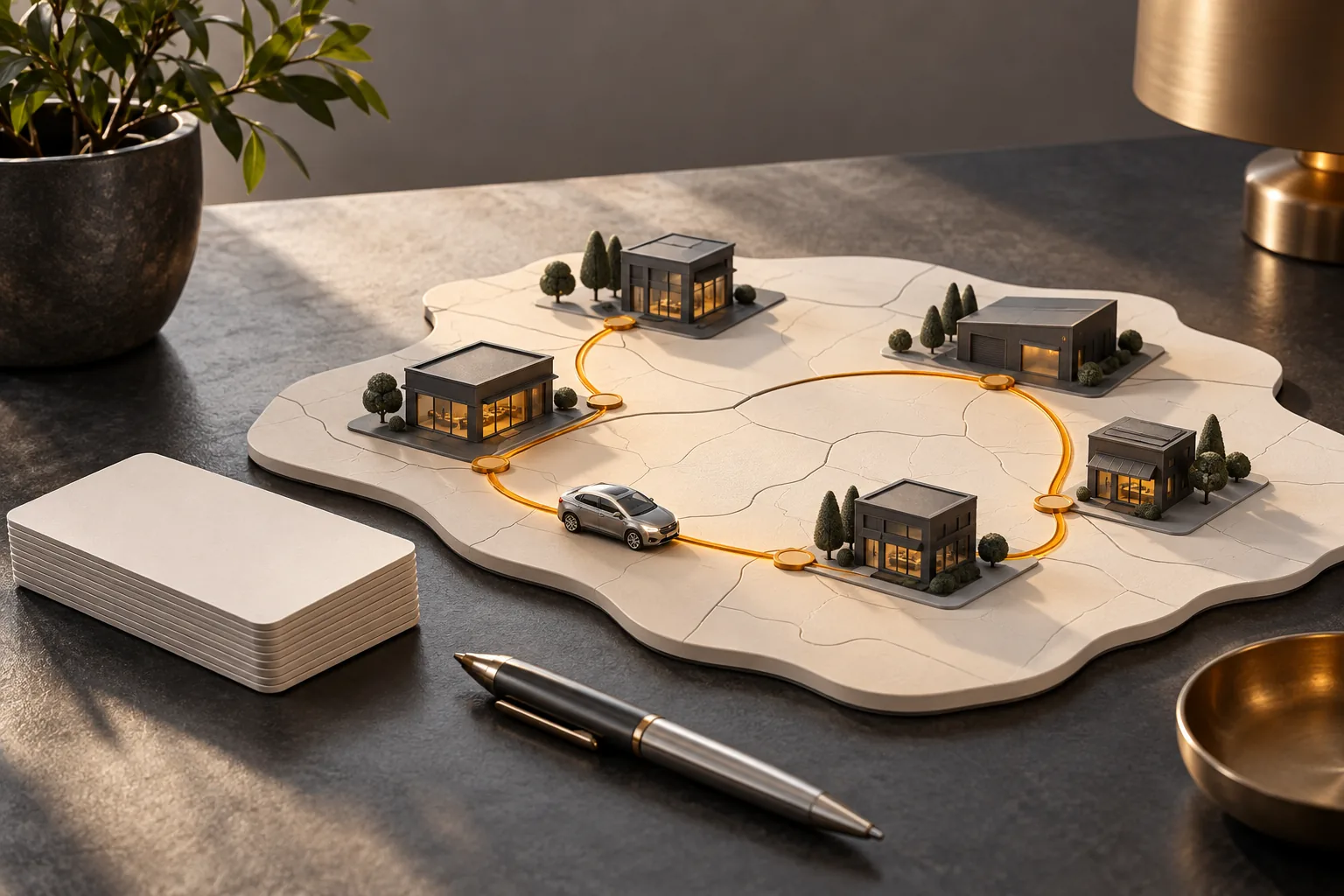
Before meeting a customer, a representative wants to prepare a useful conversation. How are sales changing? Which goal needs attention? Which products might be worth presenting? The information may already exist, but it still needs to be connected to the right account and the right period.
That provides a practical starting point for CRM design: give people the context to choose a next action, then help them follow it through. It means understanding the sales work as well as the available data.
Start with the questions that come before the conversation.
Sales history becomes more useful when it answers a specific question. Is an account buying less than it did in the reference period? Has purchasing in a product category changed? Is a promised follow-up still waiting for a response? These signals can help prepare a visit while leaving room for the customer’s explanation.
We work with the team to identify the information it actually uses and the decisions it needs to prepare. A first screen can then bring together selected indicators, showing their period and source. Each item should help the person understand why they are consulting it.
Give each role a view that supports its work.
Representatives prepare for customer conversations. Inside sales teams organize callbacks. Managers follow account coverage and deviations. Leadership examines broader trends. The same data can support these activities through different groupings and permissions.
Some projects may also call for a view for manufacturer partners. Its content and access would need to be designed: which accounts, products and information can be shared? A useful view should be clear and respect each person’s responsibilities, including when several people support the same customer.
From context to a next action
01EstablishA clear account, reference period and objective.
02PrepareRelevant deviations and observations for the role involved.
03DecideA person chooses the appropriate action and follow-up.
An example workflow to design around your business’s data, access and rules.
Connect the numbers to what people observe in the field.
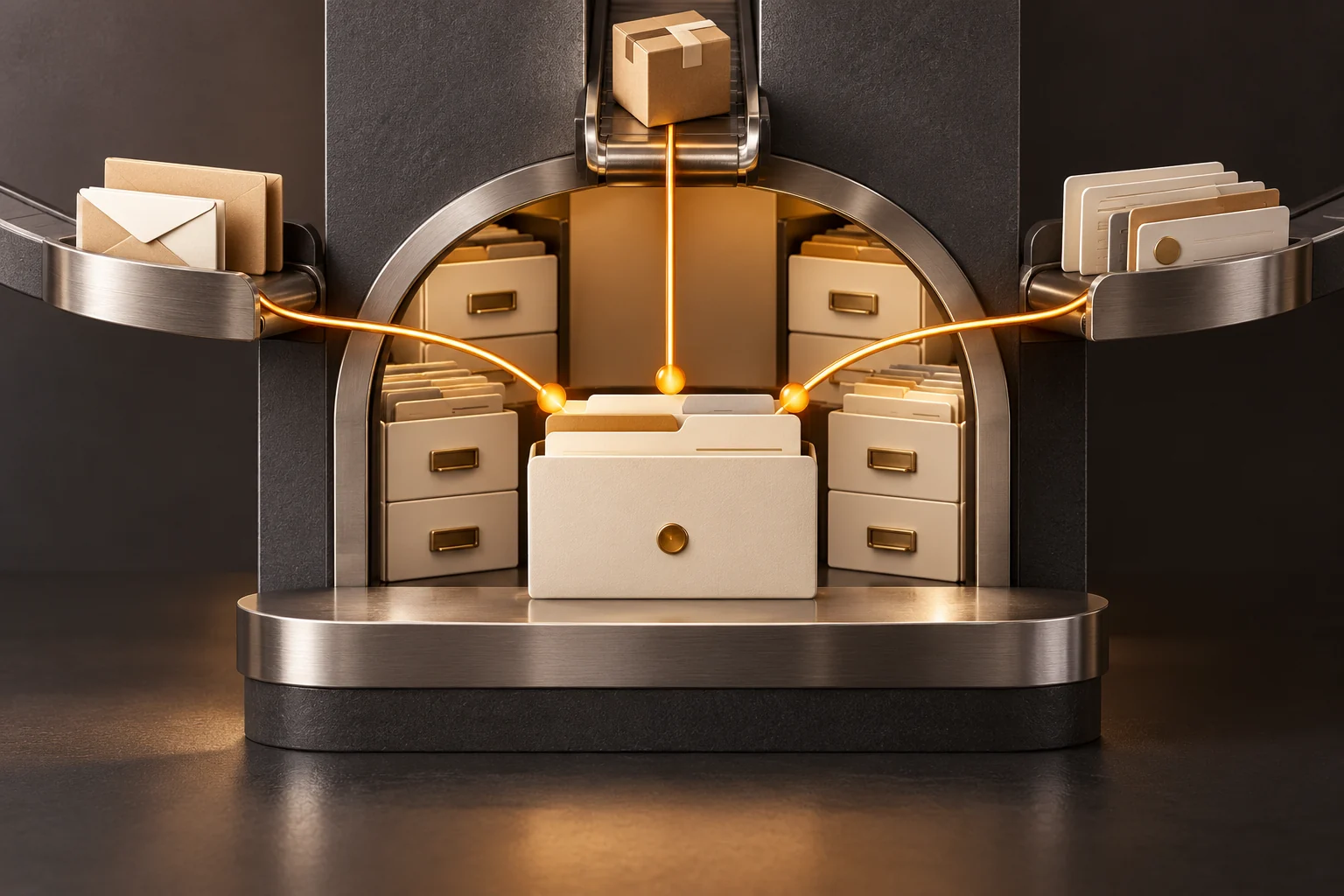
A visit note, a task, an authorized photo or a record of products presented can enrich an account’s history. A reason given for not ordering may also help whoever handles the next follow-up. These records need to be linked to the right account, dated and clear enough to use.
They add context; they do not establish on their own why sales changed. A decline may call for a conversation, a data check or a more specific comparison. The CRM should make an observation easy to retrieve and discuss, preserving the distinction between a recorded fact and an interpretation.
Build on the reports your team already uses.
Daily reports can be valuable working tools. We examine what readers look for, what they compare and what they need to decide next. A total can become more meaningful when it is considered alongside a goal or an appropriate earlier period.
Dates, accounts and calculation rules need to be explicit. More advanced analysis or detailed recommendations can be considered later. We treat these as projects to design and validate with the team, beginning with a sales question whose answer the people doing the work can assess.
Keep potential bonuses distinct from confirmed results.
When a project includes bonus tracking, its stages need to be clear. An identified opportunity may lead to an intention to order, then to confirmation under the agreed rules. Delivery or invoicing may be among the conditions that need checking.
Presenting a potential amount as an earned bonus would be misleading. We therefore need to define the states, sources and recognition conditions before designing the view. Calculations and new bonus features form a scope to work through with the people responsible for validating them.
Choose one decision to prepare more effectively.
A first scope can be straightforward to describe: prepare a visit to an account whose purchasing is changing, or organize an inside sales team’s callbacks. We choose a role, a reference period, the information needed and the expected follow-up, then users try the workflow.
Boutik can provide a foundation connecting this information to the relevant systems and tools. CRM is one possibility among others, with connections and functions to define for each project. The aim is to make a decision easier to prepare and its follow-up easier to find.
Before designing your next CRM view
✓ A role and a sales decision to prepare.
✓ Useful goals and comparison periods.
✓ The reference data and observations to bring together.
✓ Permissions for viewing and sharing information.
✓ The difference between an opportunity, an intention and a confirmed result.
✓ The selected action, its owner and the expected follow-up.