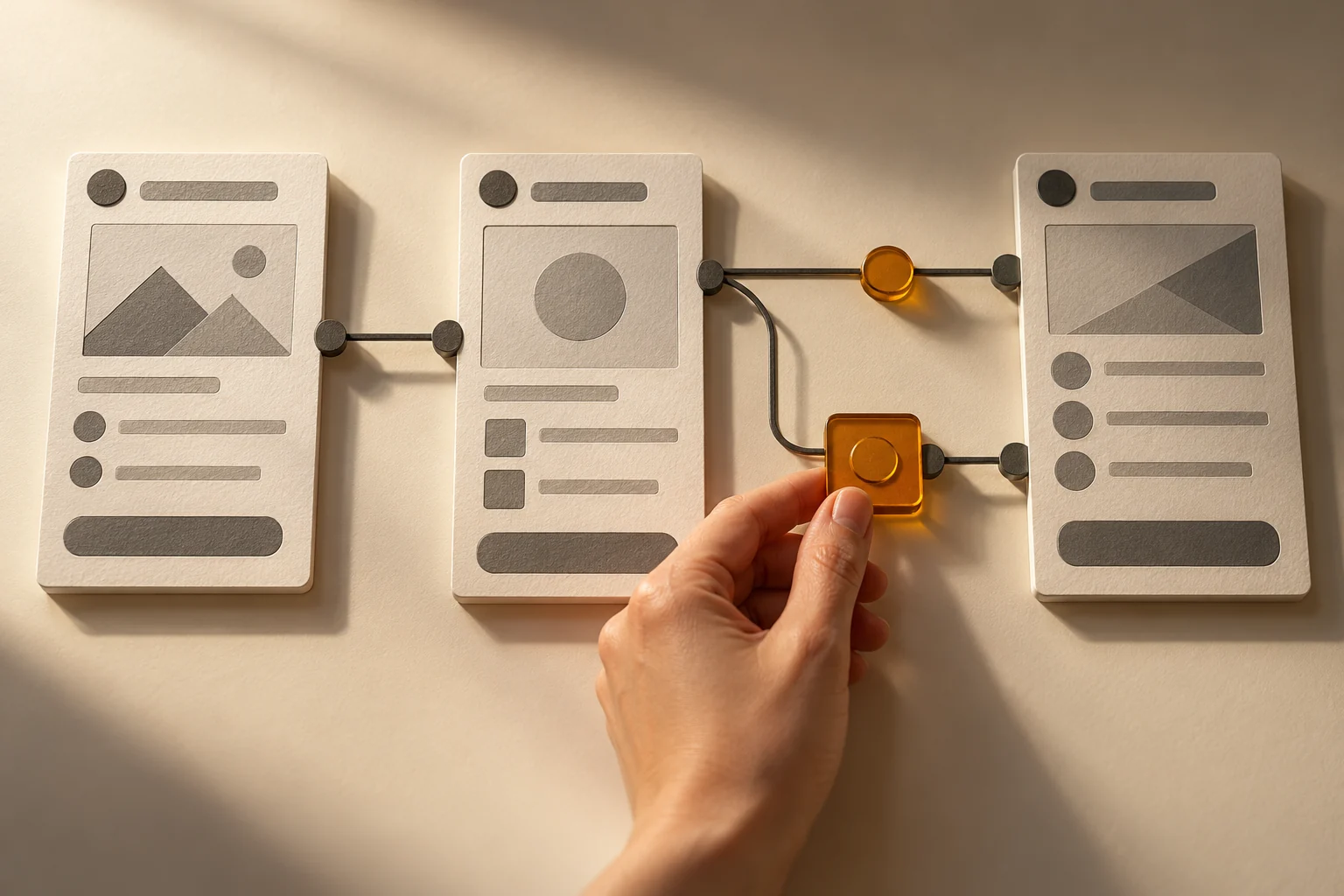
A prepared schedule. Visits with a clear next step.
In some sales teams, the rounds are well established. Representatives return to the same customers on a schedule shaped by the territory and existing relationships. What they may need is better visibility into that plan and better preparation for each customer conversation.
To design a useful field tool, we start with that organization. Availability, recurrence, travel and managers’ visibility need a place in a workflow the team can actually use.
Understand the routes that already serve the territory.
A regular route may reflect useful arrangements: customers who are available on particular days, an agreed service frequency or visits grouped within the same area. Before changing the plan, we need to understand those choices with the people who cover the territory.
We document planned visits, their recurrence and the adjustments people commonly make. When the main need is to follow stable rounds, the tool should support that approach. Dynamic route calculation can be explored when it addresses a specific difficulty; it is not a requirement for every team.
Account for availability and travel.
Preparing a day of visits involves several reference points: customer availability, the intended frequency, a starting point and an ending point. Travel also needs to be considered. Representatives and managers should understand the information used to establish the schedule.
The proximity of other customers can help the team examine an option when an appointment changes. It needs to be considered alongside other constraints: is the person available? Is a visit useful at that time? The workflow should leave room for the team’s decisions and adjustments.
Prepare what the visit needs to accomplish.
Alongside the location and time, representatives need useful context. Is a task waiting for a response? Which products should be presented? What question needs clarification? Selected information should help prepare the meeting, with access appropriate to the role and customer involved.
We examine the tools the team already uses for notes, tasks and documents. A project may connect existing information or improve how it is presented. Each function and connection needs to be defined; a planning interface does not assume every piece of information is already available in one place.
Keep a record that helps with the next follow-up.
After a meeting, a few details can help move the work forward: a clear note, the products presented, a task to assign or the reason given for not placing an order. A photo may also be useful when it is relevant and its use is authorized. Recording information should remain proportionate to the need.
These observations become useful when they are attached to the right account and accompanied by a next action. They add sales context without automatically explaining a change in purchasing. The representative or a colleague should be able to find what was agreed and know who will take the next step.
Give managers visibility into planned visits.
Managers may need to see which visits are scheduled, which have been postponed and where support would help. A shared view can support arranging cover, discussing an adjustment or finding a follow-up that requires attention.
Statuses need clear meanings. A planned visit is not a completed visit, and holding a meeting does not imply that an order was secured. We define with the team what each status means, who records it and who can see it, so the follow-up remains understandable.
Try the workflow on a representative route.
A useful first trial can cover a familiar route, a recurring visit and a changed appointment. Representatives prepare their day, retrieve the context for a meeting and record the follow-up. Their manager checks whether the schedule and adjustments are clear. The trial helps identify what would benefit from being simpler.
Boutik can provide a foundation connecting field tools to your data and rules. The scope can begin with one focused use and develop as needs emerge. The approach is to design with users, then validate the information, access and workflow before deployment.
Preparing a useful sales-visit tool
✓ A representative route and the reasons behind its current organization.
✓ Visit frequency and availability constraints.
✓ Starting and ending points, and the travel to account for.
✓ The information needed before a meeting and the follow-up to record.
✓ Clear statuses and appropriate permissions for representatives and managers.