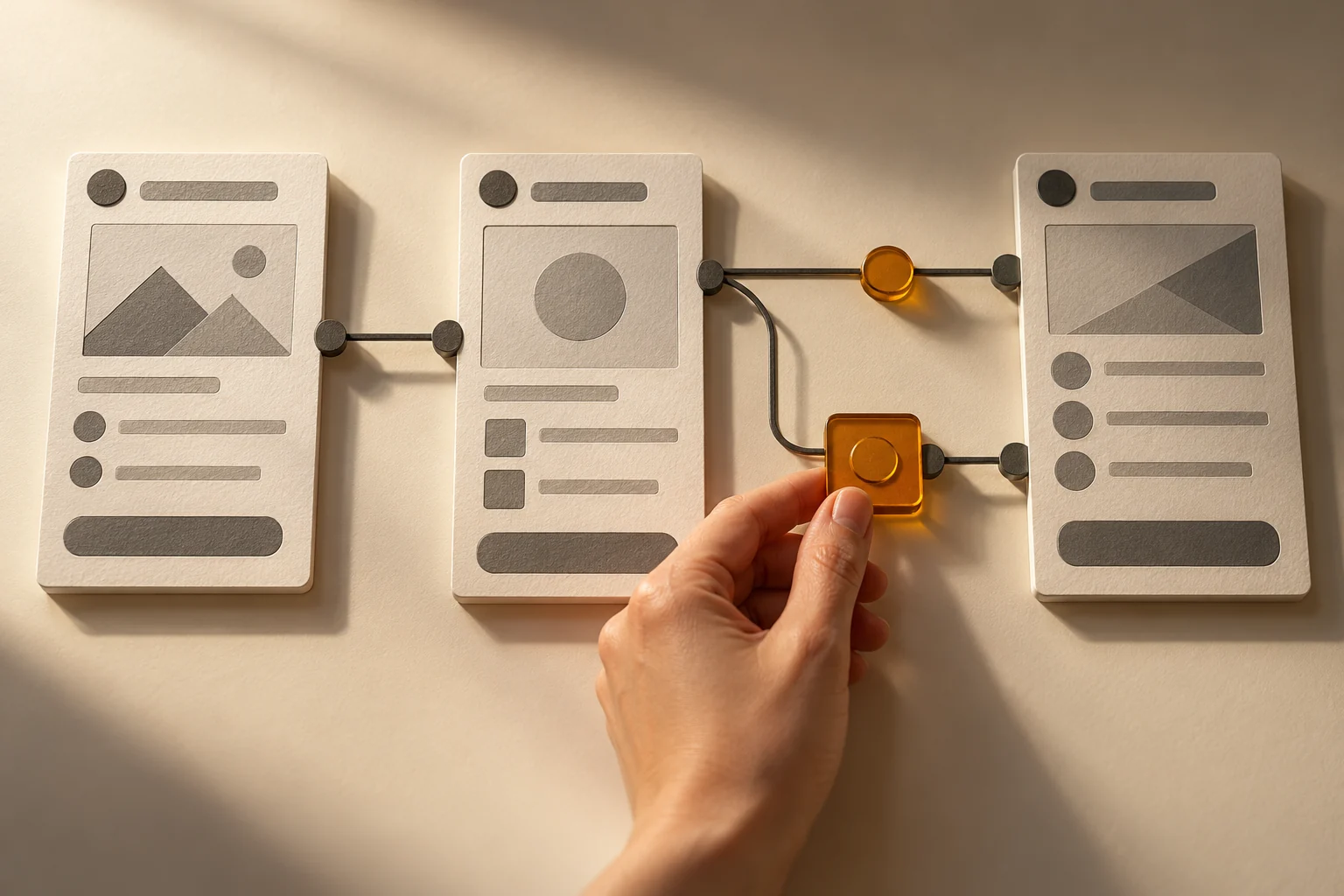
Trying an early workflow often reveals what a requirements document leaves abstract. Its purpose is to inform decisions and prepare a project with clear next steps.
Trying a workflow makes decisions more concrete before building all its underlying mechanisms.
You can describe a need in detail and still discover something new when you try an early screen. A piece of information is missing. A step comes too soon. Two colleagues understand the same button differently. Those observations are valuable when they arrive before everything has been built.
At Progymédia, we suggest starting by understanding your work, then making a workflow tangible through a prototype. You can try it, comment on it and help us choose what comes next from a shared starting point.
Choose a question specific enough to test.
A prototype becomes useful when it answers a question. How does a customer find a document? How does someone prepare a request involving several product variants? What does a team need to see to decide on its next action?
We do not need to represent the entire business to examine that first workflow. We identify the users, a task and the information they need. The prototype then gives them something concrete to try, with a purpose everyone can understand.
Ask people to complete a task, rather than watch a presentation.
A sequence of screens may look logical during a presentation. To learn more, ask someone to complete a specific task: find a delivery, prepare an order or understand what is awaiting their approval. Where do they start? What do they try to do next?
Their hesitation informs the design. If they look for a document number rather than a product name, that affects the ways they need to find information. If they have to call a colleague to understand a status, the wording or the information shown may need attention.
Bring your expertise into the decisions.
Your teams know everyday cases and exceptions: an account with special terms, a reference customers abbreviate, information that only becomes available after approval. A prototype gives them a way to explain those realities without having to imagine everything from a written description.
Our role is to turn that feedback into clear decisions. What belongs in the initial scope? What requires technical investigation? What can wait until a later stage? These choices clarify the work involved and prevent every idea from becoming an immediate priority.
Three decisions to make after trying a prototype
01Does the workflow make sense?The people involved understand the steps and can find the information they need.
02What needs investigation?The data, rules, access and connections to examine have been identified.
03What do we build first?A useful initial scope is separated from later improvements.
Feedback may confirm an idea, lead to an adjustment or point to a different workflow.
Make it clear what works and what is simulated.
An early preview can be produced quickly using existing components and public content. That speed helps open the discussion. It does not mean a complete commerce site, its connections and its operations will be ready in the same timeframe.
For a trial to be useful, the prototype’s limits must be clear. Is the data representative? Does a button simulate submission? Are permissions only being illustrated? A visually convincing workflow does not yet prove that every connected system can carry it out exactly as shown.
Prepare the work that makes the workflow usable in production.
Once decisions have been made, the project moves into the details needed to operate. Depending on the scope, that may involve connecting an enterprise resource planning system (ERP), preparing content and its management tools, applying access rules or handling failure cases.
Validation continues with representative exchanges and data. Launch also requires preparing users, confirming responsibilities and agreeing on how issues will be tracked. A prototype guides that work; it does not replace it.
Leave room for what comes next.
A project can begin with a useful portion and expand as needs become clearer. This approach helps avoid deciding every detail too early. It also gives teams an initial basis to examine before widening the scope.
With Boutik, the chosen workflow can draw on a foundation that connects the systems and tools the project requires. A portal, a business application or an AI use case are some possibilities among many. The right starting point remains the task you want to simplify and the decisions needed to get there.
To prepare an initial prototype
✓ A concrete task and the people who carry it out.
✓ A few representative examples, without unnecessary confidential data.
✓ A common situation and an important exception.
✓ The systems holding the information you need.
✓ The decisions you want to be able to make after the trial.