Familiar reference points that help people work with changing tools.
Someone opens their work application and knows where to look. They recognize a grouping, find the information they need and move to the next step. Over time, those actions become practical knowledge of the software. A new interface affects that knowledge, even when the functions appear unchanged.
At Progymédia, we examine the familiar cues that already help users before deciding what needs to change. This is part of modernization: understand what makes a task easier, then design an improvement that people can learn to use.
Recognize what already helps people.
Why are these columns in this order? Why does one piece of information appear before another? A habit can reflect the logic of a task or the way someone checks a result. By observing the work, we look at what the familiar cue helps the person accomplish.
Other practices come from earlier limitations: copying a value, opening several windows or remembering how two references match. We distinguish these workarounds from habits that make the task clear. That analysis gives a reason for keeping, moving or revising an element.
A lesson from our own internal tool.
In our internal tool, I saw the value of retaining functional habits that the team already knew. They gave colleagues familiar starting points in the new version and helped them adopt it.
That observation comes from our own internal experience. It mainly helps us ask better questions in other projects: which actions are useful, which ones create extra work, and which changes do users need to understand? Adoption still needs to be prepared around each team’s circumstances.
A shared foundation can support different ways of working.
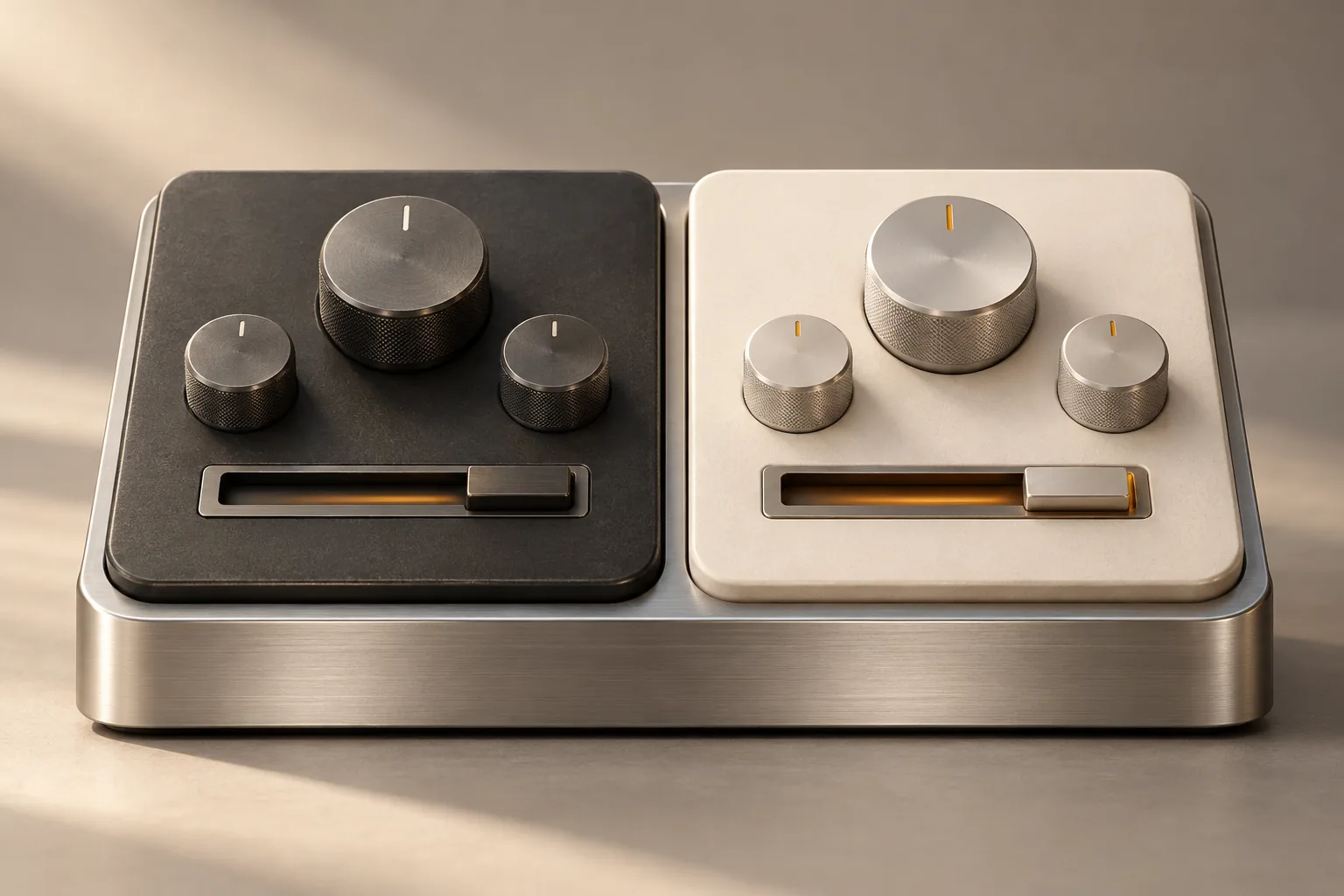
To bring two teams’ working practices closer together, we can explore a shared foundation with two interfaces. Each group could keep reference points that help with its work, while shared data and mechanisms would be defined together.
This design direction needs to be defined before it can be built: the shared responsibilities, the needs of each interface and the necessary exchanges. It opens a useful question: which differences serve users, and which elements would benefit from being shared?
Give people a clear reason for a change.
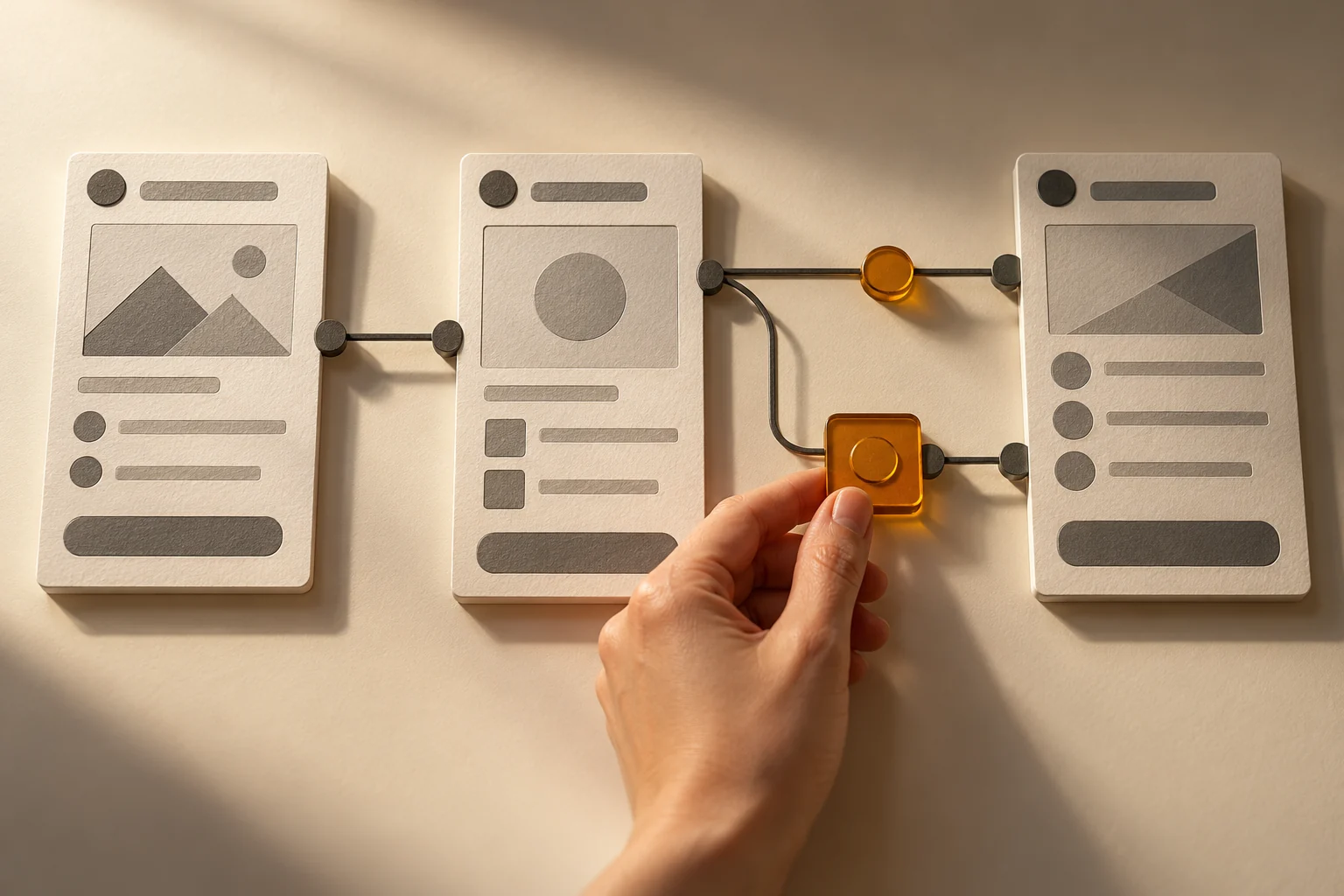
Keeping familiar cues requires decisions. Information may keep its name but move because it belongs at a different stage. A familiar calculation might become easier to check. We explain the connection between the change and the task.
Users can then discuss specific decisions. A general reaction to a new screen becomes a useful observation: a reference needs to remain visible, a category is missing or a step needs another explanation.
Let people try a task they already know.
A representative workflow helps test the familiar cues we have chosen to preserve. We can ask someone to repeat a known task: find information, check a value or complete a record. We observe what they rely on, where they hesitate and which explanations they need.
These trials guide adjustments and preparation for adoption. They also help distinguish an element that is hard to discover from a business rule that needs explanation. The people involved can contribute to the design through concrete examples.
Prepare people for the next stage.
Launching the tool requires agreement on how changes will be explained, questions answered and feedback gathered. Examples used during the trials can become useful material for supporting the team.
We look for continuity in the work: understand what people already know, make the changes clear and leave room for adjustments. Your tool can move forward with a design that pays attention to the people who use it.
Before redesigning an interface
✓ Choose a familiar task and users who can explain it.
✓ Identify the cues that help people find, understand and check information.
✓ Identify workarounds caused by the current tool’s limitations.
✓ Discuss what should be shared and which differences to preserve.